
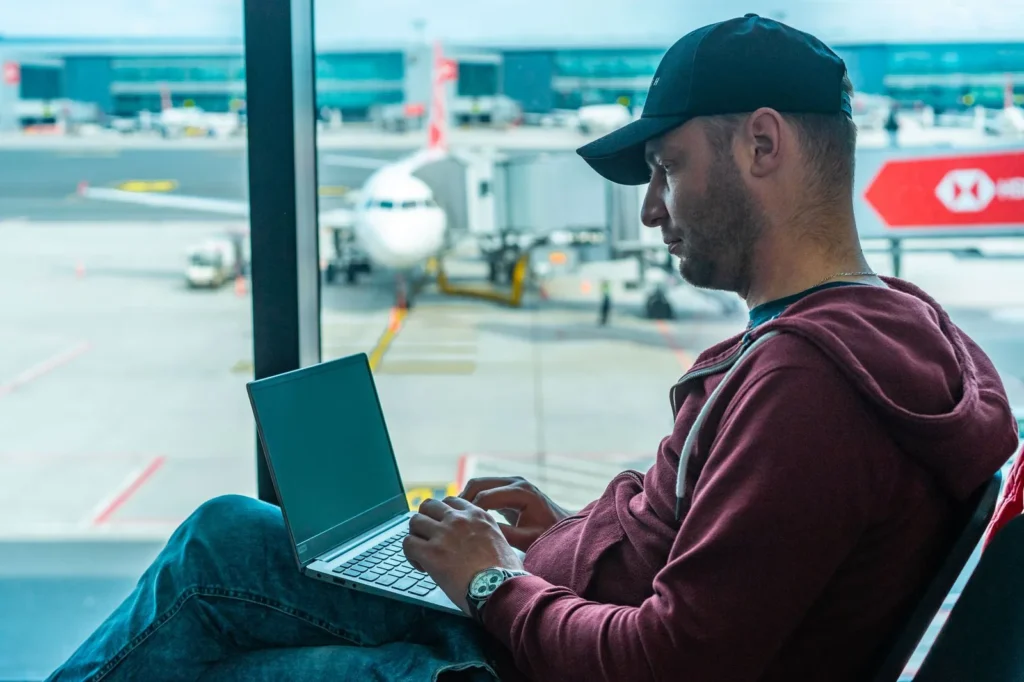
Free airport and hotel wifi is one of travel’s greatest conveniences and one of its biggest risks. Knowing how to stay safe using public wifi while traveling internationally protects your bank accounts, email, and identity from attackers who specifically target travelers on unfamiliar networks.
When you are abroad, you connect more often and to more networks than usual: airports, hotels, cafes, trains, and shared workspaces. Attackers know this. They set up fake hotspots with names like “Hotel_Guest_WiFi” and wait. The good news is that a handful of habits and one key tool make you a very hard target.
Why Public WiFi Is Riskier Abroad
At home you mostly use networks you control. Abroad, you hand your traffic to strangers. The main threats:
- Evil twin hotspots. A fake network with a plausible name. Connect to it and the attacker sees everything you send.
- Man-in-the-middle attacks. On unencrypted networks, someone on the same network can intercept data traveling between your device and the internet.
- Snooping on unsecured pages. Sites without encryption expose logins and form data to anyone watching.
- Session hijacking. Even after you log in somewhere, stolen session cookies can let an attacker impersonate you on that site.
Travelers are prime targets because they log into banking and email from new locations, often in a hurry, on networks they have never verified.
Before You Leave: Set Up Your Defenses
The best time to prepare is at home, on a network you trust.
- Install and test a VPN. A virtual private network encrypts all your traffic, so even a compromised hotspot only sees scrambled data. Install it before the trip, log in, and test that it connects. Free VPNs often sell your data or inject ads, so a reputable paid service is worth the small cost for a travel month.
- Update everything. Update your phone, laptop, apps, and browser. Updates patch the security holes attackers exploit.
- Turn on two-factor authentication for your email, banking, and social accounts. Even if someone steals a password, they cannot log in without the second factor.
- Download offline essentials. Maps, translation packs, boarding passes, and hotel confirmations downloaded in advance mean fewer desperate connections.
- Back up your devices. If a device is lost, stolen, or compromised, a fresh backup is your recovery plan.
On the Trip: Daily WiFi Habits
Verify the network name
Always confirm the exact network name with staff. If the hotel says the network is “GrandHotel_5G” and you see “GrandHotel_Free,” do not connect to the second one. When in doubt, ask at the front desk.
Turn off auto-join and auto-connect
Your phone remembers old networks and will silently reconnect to any network with a matching name. Before the trip, go into wifi settings and turn off auto-join for public networks, or forget hotel and airport networks after you check out. Also turn off “ask to join networks” prompts that make accidental connections easy.
Always use the VPN
Make it a reflex: VPN on before you open anything on public wifi. Enable the VPN’s kill switch if it has one, which blocks all traffic if the VPN connection drops, so you never accidentally browse unprotected.
Check for HTTPS
Look for the padlock icon and “https://” in the address bar before entering passwords or card details. Most major sites use encryption by default now, but never enter sensitive information on a page without it.
Forget networks when you leave
After checking out of a hotel or leaving an airport, forget that network in your wifi settings. This prevents your device from auto-connecting to an imposter network with the same name later.
Banking and Sensitive Accounts Abroad
Banking over public wifi deserves extra caution:
- Prefer your phone’s mobile data or a portable hotspot for banking apps. Cellular data is far harder to intercept than public wifi.
- If you must use wifi, use the bank’s official app (not a browser) with the VPN on.
- Never log into banking from a shared or hotel business-center computer. Keyloggers on public computers are common.
- Turn on transaction alerts so you see unauthorized activity immediately, wherever you are.
- Avoid accessing accounts you do not need on the trip. Every login is a small risk; skip the ones that can wait.
Keeping your connection costs down matters too when you travel. See our guide on avoiding roaming charges while traveling abroad to keep your phone bill under control alongside these security steps.
Settings to Lock Down Before You Connect
- Disable file sharing, AirDrop, and nearby share. Open sharing settings let strangers on the same network see or send to your device. Set AirDrop to contacts only or off.
- Turn off Bluetooth when not in use. It is another door into your device that you do not need open in an airport.
- Use a firewall on laptops. Both major desktop operating systems include one; make sure it is enabled and set public networks to the most restrictive profile.
- Disable automatic syncing of sensitive folders over untrusted networks if your cloud service allows per-network settings.
What To Do If Something Goes Wrong
If you suspect a network was compromised, or you logged into something sensitive without protection:
- Disconnect from the network immediately and forget it.
- Change the passwords of any accounts you accessed, starting with email, since email can reset everything else. Do this on mobile data, not wifi.
- Review recent login activity and active sessions in your important accounts and sign out unknown sessions.
- Check bank and card statements for unfamiliar transactions.
- If you entered card details on a suspicious page, contact your card issuer about a replacement.
Acting within the hour limits the damage dramatically. Do not wait until you are home.
Smarter Alternatives to Public WiFi
Sometimes the safest network is not wifi at all:
- Local SIM or eSIM with data. Often cheap abroad and far more secure than public wifi. An eSIM can be installed before you even land.
- Your phone as a hotspot. Tethering your laptop to your phone’s data connection keeps your traffic on the cellular network.
- Hotel wired ethernet. If the room has it, a cable beats wifi for security every time.
A comfortable trip is about more than security. Our guide to keeping your hotel room cool without air conditioning covers the comfort side of the stay.
Red Flags That a Network Is Fake
Learning to spot a malicious hotspot takes seconds and can save your accounts:
- No login page where one is expected. Legitimate hotel and airport networks usually show a captive portal asking you to accept terms or enter a room number. A network with the hotel’s name that connects instantly with no portal deserves suspicion.
- Slightly-off names. “Marriot_Guest” versus the real “Marriott_Guest,” or “Free_Airport_WiFi” when the airport’s network has a branded name. Attackers count on tired travelers not reading closely.
- Certificate warnings. If your browser warns about an invalid certificate on a site you know, stop. That warning can mean someone is intercepting the connection.
- Unusually slow or glitchy connections. Traffic routed through an attacker’s device often lags. It is not proof of an attack, but combined with other signs, it is a reason to disconnect.
- Requests to install software. No legitimate public wifi requires you to install a profile, app, or certificate to connect. Decline and use mobile data instead.
Protect Your Accounts Before and During the Trip
Network safety is half the equation. Account hygiene is the other half:
- Use a password manager. Unique, strong passwords for every account mean one compromised login cannot cascade into others. Most password managers work offline, so you are not dependent on connectivity.
- Enable two-factor authentication everywhere important. An authenticator app works without cell service, unlike SMS codes, which may not arrive abroad.
- Set up account recovery options in advance. Make sure your recovery email and phone number are current before you leave. Getting locked out of email in a foreign country with no recovery path is a nightmare scenario.
- Consider a travel-only email habit. Some travelers create a separate email for trip bookings and confirmations. If it is compromised, the blast radius is limited to reservations, not your primary identity.
- Review app permissions. Before the trip, remove location and background-data access from apps that do not need it. Fewer chattering apps means less data exposed on every network you join.
Mistakes to Avoid
- Trusting a network because it has a password. A shared hotel wifi password is known to hundreds of guests. It encrypts nothing meaningful against other people on the same network.
- Installing the VPN at the airport. Downloading security software over the network you are trying to protect against is backwards. Set it up at home.
- Clicking “continue” on certificate warnings. A certificate warning on a familiar site can mean interception. Stop and switch to mobile data.
- Leaving wifi on constantly. Your phone broadcasts the names of networks it has joined before, which attackers can use to build convincing fake hotspots. Turn wifi off when you are not using it.
Frequently Asked Questions
Is a VPN really necessary for public wifi?
It is the single most effective protection. A VPN encrypts everything between your device and the VPN server, so attackers on the local network see only scrambled traffic. Without one, you rely on each individual site’s encryption.
Are hotel wifi networks safe if they require a password?
Not really. The password is shared with every guest, so anyone on the network can still snoop on unencrypted traffic. Treat hotel wifi like any other public network: use a VPN and verify the network name.
Is it safe to do online banking on hotel wifi?
Only with precautions: use your bank’s official app, keep the VPN on, and prefer mobile data when possible. Never bank from a shared hotel computer.
What is an evil twin attack?
An attacker creates a wifi hotspot with a name nearly identical to a legitimate one, such as “Airport_WiFi_Free” next to the real “Airport_WiFi.” Devices that connect route all traffic through the attacker, who can capture logins and data.
Should I use free VPNs while traveling?
Generally no. Many free VPNs make money by logging and selling your browsing data, showing ads, or limiting security features, which defeats the purpose. A reputable paid VPN for the duration of your trip is inexpensive insurance.
Does airplane wifi need the same precautions?
Yes. In-flight wifi is a shared public network like any other. Keep the VPN on and avoid sensitive logins unless necessary.













1 thought on “How to Stay Safe on Public WiFi While Traveling Abroad”
Comments are closed.